

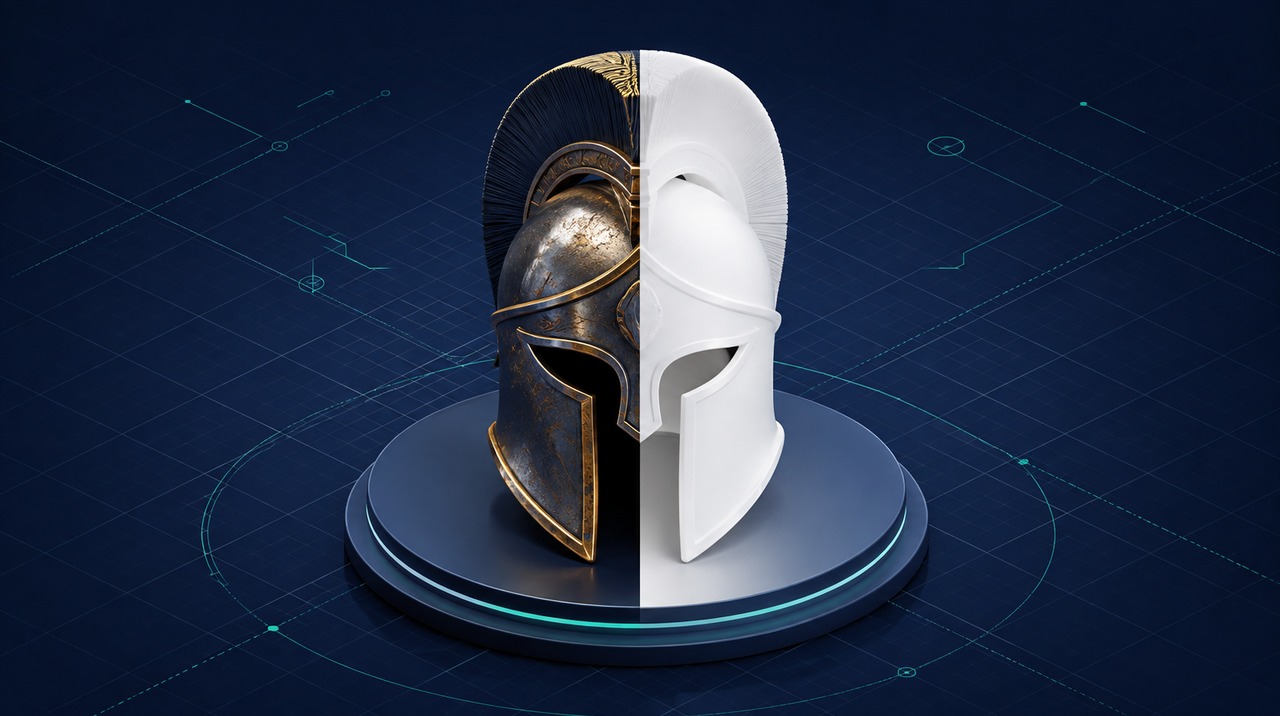
Almost every problem with a 3D file starts before anyone even opens it: it starts with the format it was saved in. The model that opens white, the one that loses its animation, the one that weighs 45 MB and freezes your phone, the one that "lost its color" — these are generally not defects in the model. They're format choices that nobody explained to whoever sent the file.
This guide is the ruler we use here every day, covering the four formats that actually circulate and the reason, file by file, why your model shows up white.
The four formats you'll receive
The difference between them isn't quality: it's what each one is able to carry inside itself.
- STL — geometry only. No color, no texture, no material, no animation. It's the 3D printing format, and it does that job well. If you received an STL expecting to see color, the color was never there: it's not a bad conversion, it's the format.
- OBJ — geometry plus texture coordinates, but the material lives in a separate file (.mtl) and the images in yet other files. It's the format that arrives broken most often, because people send the .obj and forget the rest.
- FBX — geometry, materials, skeleton, and animation in a single file. Excellent for exchanging models between modeling programs. Bad for the web: it's proprietary, heavy, and no browser opens it natively.
- GLB — geometry, texture, material, and animation embedded in a single file. It's the format for the web, for 3D on a page, and for augmented reality. glTF is the same standard with separate files; GLB is the packaged version, and it's the one you want.
The rule: the destination decides the format
There's no "best format" — there's the right format for wherever the file ends up.
- Going to 3D printing? STL.
- Going from one modeling program to another, with animation? FBX.
- Going to open in a browser, on a website, on a phone, or in augmented reality? GLB, always.
- Came from engineering, in STEP or IGES? That's CAD: it needs to be converted before any visual use.
Keep this phrase handy when requesting a file: "send it in GLB, with the textures embedded". That alone solves half the problems described below.
Why your model shows up white
This is the question that reaches us most often, and the answer is almost always one of these five causes. All of them have bitten us before.
- The texture is in a format the viewer can't read. Images in WebP, AVIF, or KTX2/BasisU make the file smaller and are accepted by the standard — but several viewers and AR mode simply don't decode them. Result: correct geometry, white surface. The texture is there; nobody can display it.
- The material is the old type. Models exported with specular-glossiness (the
KHR_materials_pbrSpecularGlossinessextension) open white in modern viewers, which only understand metallic-roughness. It's a material conversion, not a file conversion — and it needs to be done before any optimization, or the problem carries through the entire process. - The OBJ arrived without the .mtl and without the images. The file opens, the shape is perfect, and there's no color at all, because the color was in the files that got left behind.
- The file points to a texture that only ever existed on the exporter's computer. This happens a lot with older models: inside the file there's a path to an image that wasn't included.
- The model never had color. CAD parts often don't carry material — the finish lives in the program, not in the file. We once received a car package with an FBX that converted perfectly and came out entirely gray: it was nineteen flat materials and no images. The converter was faithful; that's just how the file was.
Notice the pattern: white almost never means a corrupted file. It means some piece of surface information didn't survive the journey to the screen — and each of these five causes has a different fix.
File size: why 45 MB doesn't work for the web
An engineering file carries precision that no screen needs. An industrial assembly that arrives at 45 MB isn't "a heavy model": it's a model designed for a different purpose. On the web, every megabyte is time someone with a phone in hand has to wait — and whoever waits, leaves.
The way forward is to reduce without ruining: compress the geometry, cap the textures at a reasonable size, and discard what doesn't show. In practice, the same 45.6 MB assembly mentioned above comes out at 1.64 MB after this treatment, with no visible difference on screen. That's the version that should go on the website, not the original file.
How to convert without installing anything
For everyday conversions — STL, OBJ, FBX, DAE, PLY, and also STEP and IGES from CAD — you can use our 3D file converter, free and with no sign-up. For mesh formats, the conversion happens right in your browser: the file never leaves your machine, which solves the problem of sending an industrial project to an unfamiliar website. Only CAD is processed on the server, because it requires an engine the browser can't handle in reasonable time.
And if the end goal is to show the model to a client — spinning it on screen or having it appear in their space through the camera — that's what our augmented reality page and our 3D modeling and animation work cover, for when the file you have isn't quite there yet.
The three-line summary
- Ask for GLB with embedded textures. It's the format that survives the journey to the screen.
- A white model is a symptom, not a defect. An exotic texture format, an old material type, or a file that got left behind — in that order of likelihood.
- The engineering file isn't the web file. They're two files with different purposes, and treating them as one is the mistake that breaks the page.
Perguntas frequentes
What is the best 3D format for the web?
GLB. It embeds geometry, texture, material and animation in a single file, browsers read it natively, and it is the format used in augmented reality. For 3D printing the right format is STL, and for moving models between modelling programs, FBX.
Why does my 3D model show up completely white?
Usually for one of three reasons: the texture is in a format the viewer cannot decode (WebP, AVIF or KTX2), the material is the old specular-glossiness type instead of metallic-roughness, or the file arrived without the texture files that went with it. With CAD parts there is a fourth reason: the model never had colour.
What is the difference between GLB and glTF?
They are the same standard. glTF keeps the model in several separate files (geometry, textures, materials) and GLB packs everything into one. For sending, publishing or using in augmented reality, GLB is always safer, because nothing gets left behind.
Can I convert STL to GLB and get colour?
No. STL stores geometry only, so there is no colour to recover: the conversion returns a grey model. To have colour you need to apply material and texture afterwards, in a modelling program — that is finishing work, not conversion.
What file size is acceptable for a 3D model on a website?
The smaller the better, and there is rarely a reason to go beyond a few megabytes. Engineering files of dozens of megabytes usually drop to a few megabytes after geometry compression and texture reduction, with no visible difference on screen.
Do I need to install software to convert a 3D file?
No. Mesh formats such as STL, OBJ, FBX, DAE and PLY can be converted inside the browser itself, without sending the file anywhere. CAD formats like STEP and IGES do require server-side processing because of the geometry engine they rely on.