

Acqua Enseada
Luxury real estate

Website Creation
For 20 years we've been building professional, beautiful, fast websites optimized to appear on Google — and now also on ChatGPT, Gemini and other artificial intelligences. A good website attracts customers, builds credibility and sells 24 hours a day; we take care of everything: domain, hosting and maintenance.
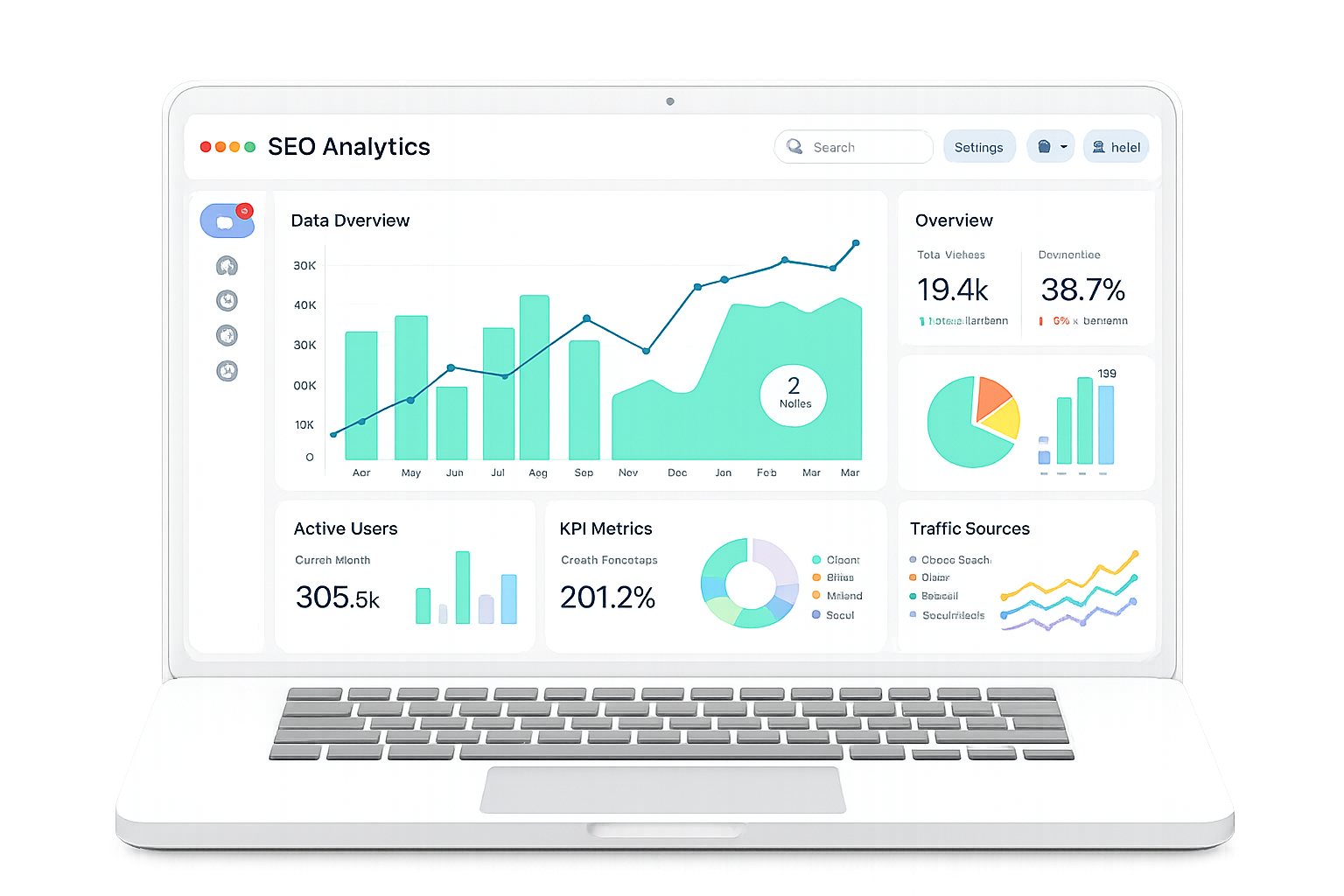
Structure, performance and content optimized for Google's top positions.
Your website ready to be cited by ChatGPT, Gemini, Perplexity and other AIs.
Agile methodology: from briefing to live website in days, without sacrificing quality.
We handle the domain purchase and the ideal hosting for your project.
Updates, backups and improvements to keep your website always running at 100%.
SSL certificate, protection and best practices for a reliable, stable website.
Every project designed to deliver results — visually striking, technical and optimized for search engines and AIs.
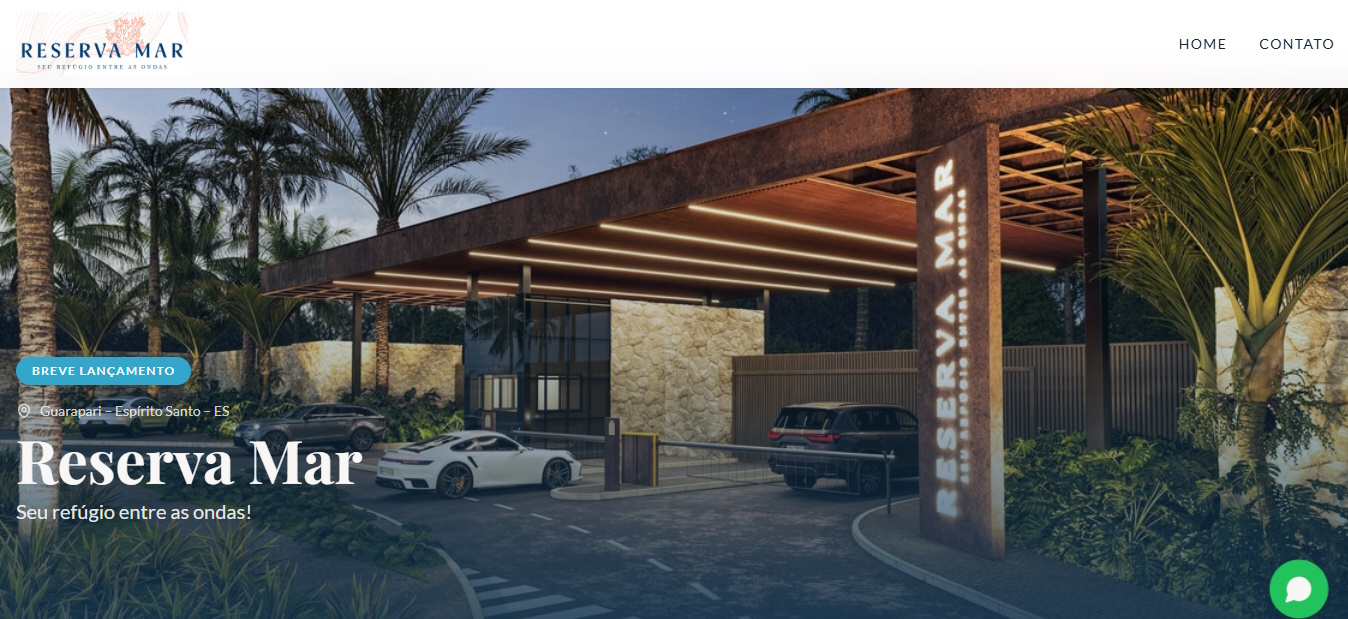
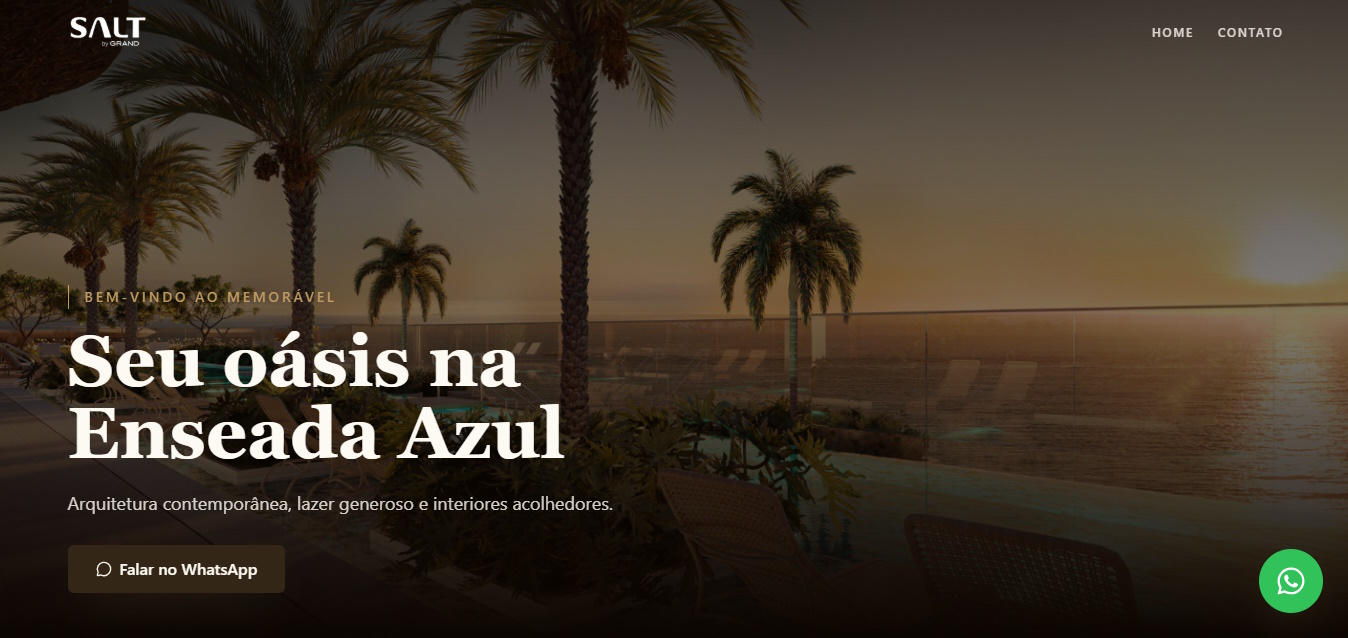
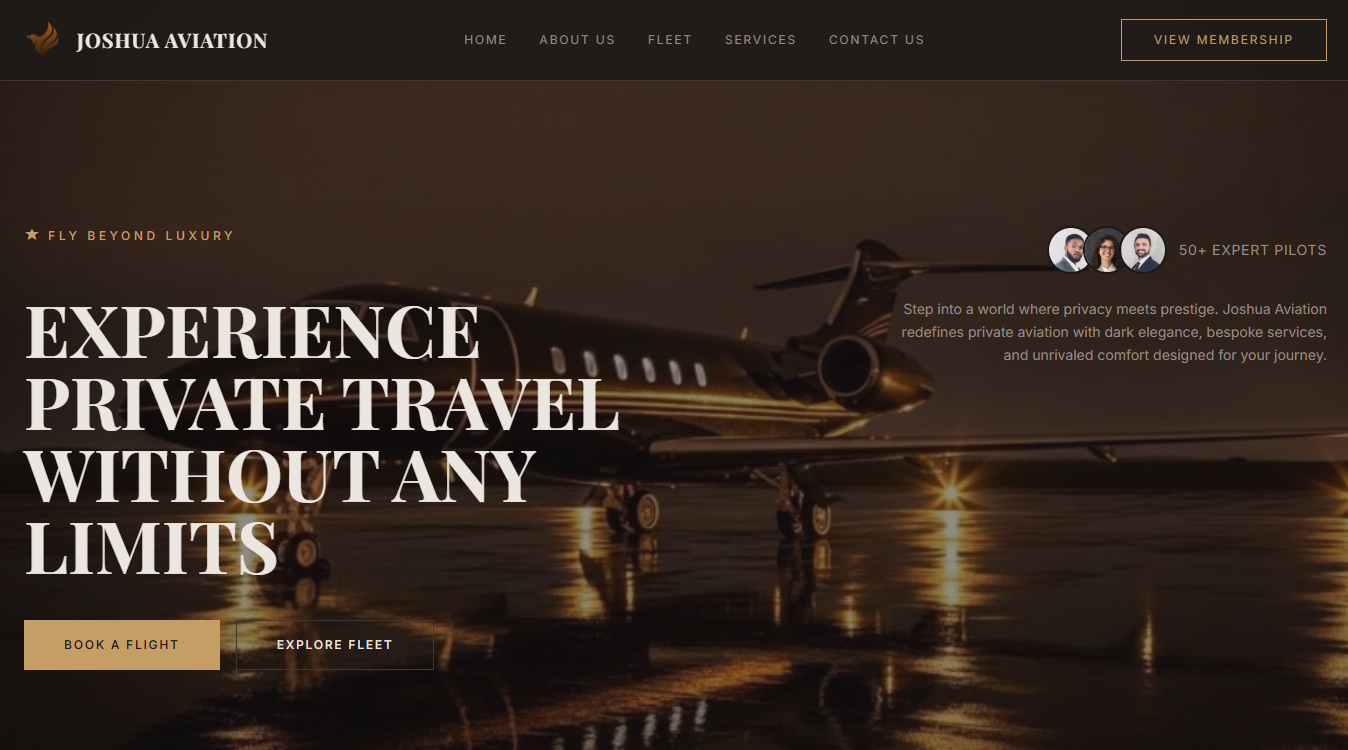
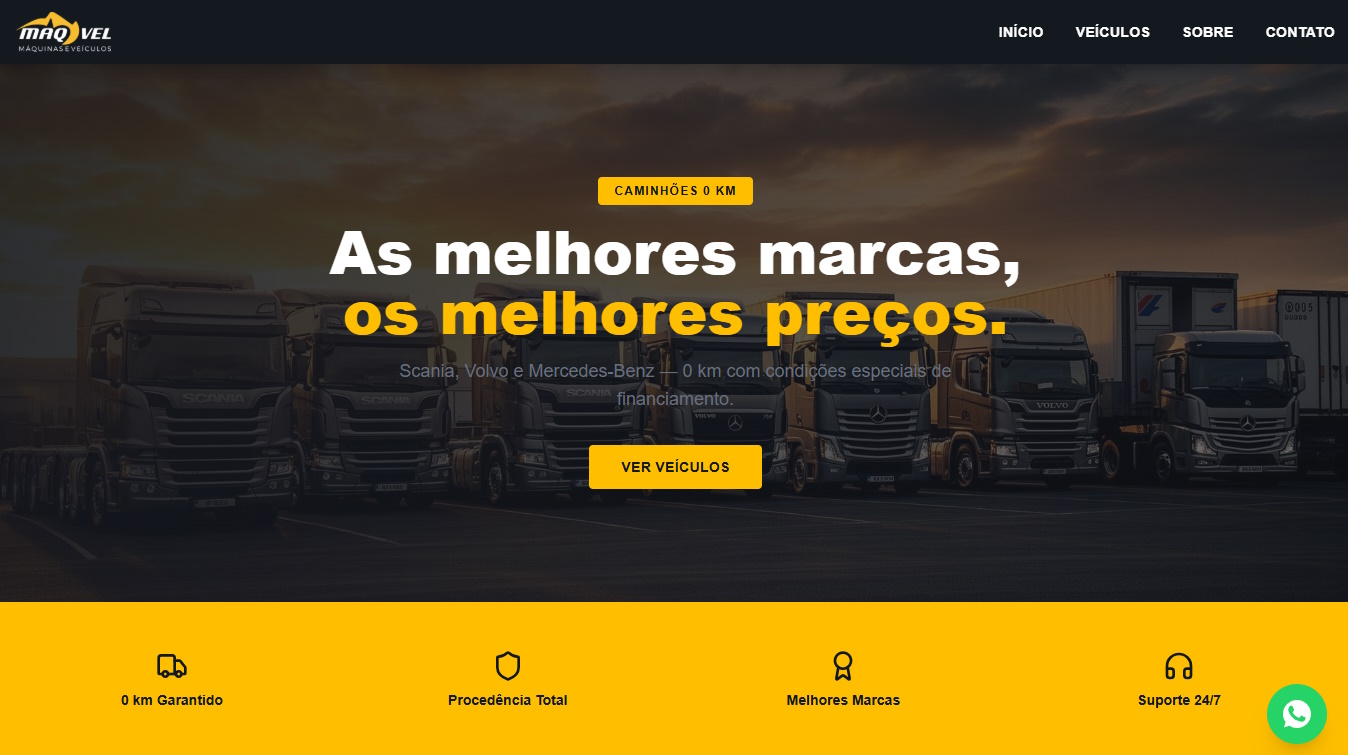
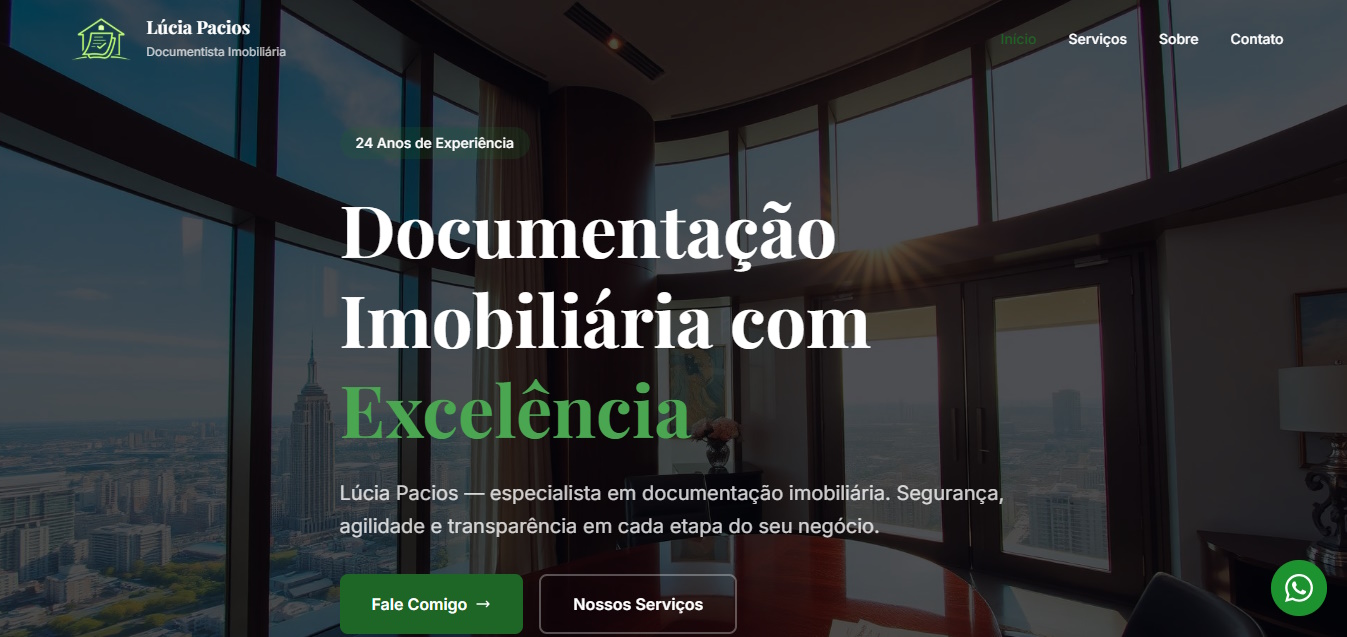


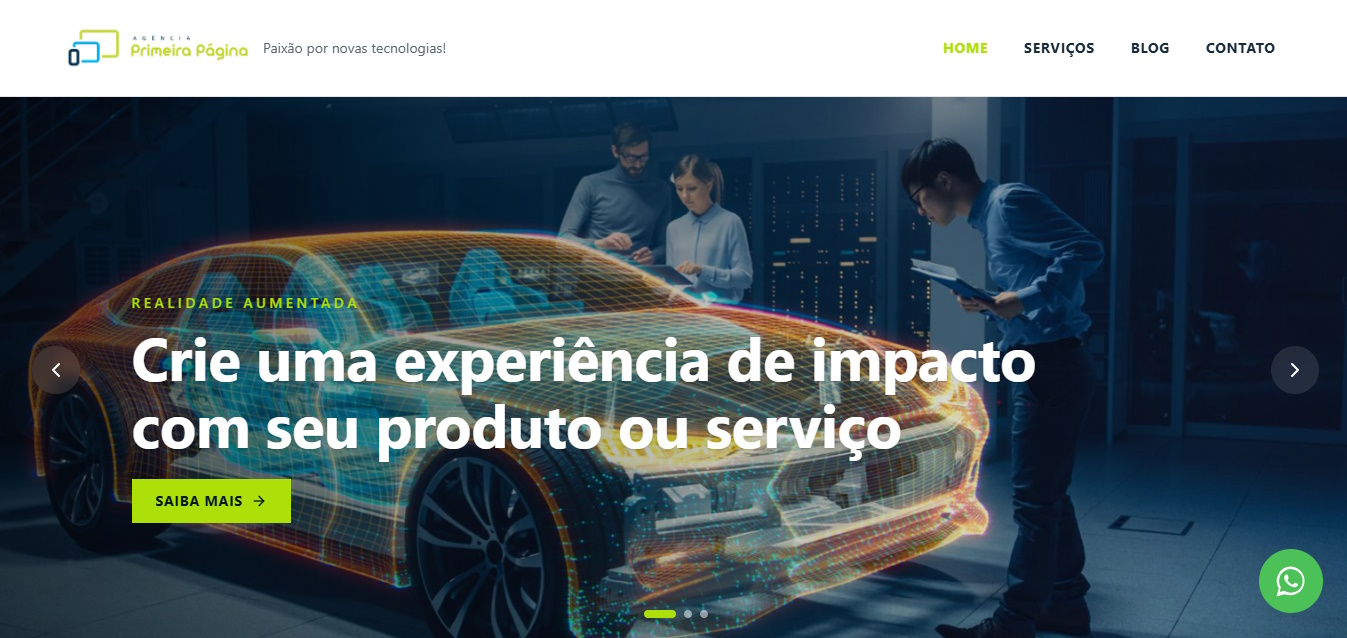
Hover over each example — they all react to the cursor in real time. These are lightweight effects that run in the browser without slowing the page down.
We can create a custom 3D object for you, with effects like this one and many others.
Now imagine your customer delighted, interacting with it.
Scroll down: the image glides more slowly than the text above it. That is what creates depth — and what keeps visitors going.
Canvas 2D
Hundreds of dots measure their distance to the cursor every frame: up close, they grow and flee.
Follows your eye
3D
The card tilts with the mouse, with a specular glare and content floating in front of the surface.
We build
Motion
It types, holds, deletes and switches phrase. The caret blinks like a terminal.
We understand your business, audience and goals.
An exclusive, modern design aligned with your brand.
Technical optimization for Google and Artificial Intelligences.
Domain, hosting and website live with full support.
Talk to our team on WhatsApp and get a proposal within 24 hours.
You can generate the pages, and they look decent. What AI does not do on its own is what decides whether the site works: finding out what your customer searches for, building the structure that answers it, connecting it to your own domain with performance and security, and keeping the content alive. A site generated in minutes usually ends up a pretty brochure nobody finds.
Three things, in this order: a page that answers exactly the search someone made; that page loading fast and being machine-readable; and content published regularly on the topic. A five-page brochure site untouched for two years will not rank, however beautiful it is.
By writing pages that answer questions directly and verifiably, with structured data machines understand. AIs cite whoever answers the question in a few lines and makes clear who is stating it. It is a different discipline from traditional SEO, and it is where search is heading.
Yes, we handle hosting, domain, security certificate and backups — and the site runs on infrastructure that handles traffic spikes. You remain the owner of the domain and the access credentials, which matters more than it seems: a site you cannot take with you stops being your asset.
Yes, for two concrete reasons. First, nobody searches Instagram for who solves a problem — they search Google and AI assistants, where your profile barely appears. Second, the profile is not yours: a rule change or a blocked account erases years of work. The website is the only address that stays yours.
A professional website is a company's digital reference point. It presents services, answers questions, builds trust and guides visitors toward an action. To fulfill this role, it must combine content, design, performance, accessibility and technical structure.
A beautiful layout does not compensate for slow pages or vague information. Likewise, technical optimization cannot fix content that fails to address what people are actually searching for. Results depend on the whole package.
Every project should start with objectives and audience. Is the company looking to receive quote requests, sell, generate bookings or showcase a portfolio? What questions come up before someone makes contact? These answers define pages, menus and calls to action.
The architecture should allow visitors to quickly find what they are looking for. Each important service deserves a clear page with examples, benefits, process, frequently asked questions and a next step.
SEO brings together practices that help search engines understand and present pages. Descriptive titles, clean URLs, heading hierarchy, internal links and properly labeled images all make interpretation easier.
Content must match search intent. Artificially repeating keywords hurts readability. It is better to cover the topic in depth, use natural variations and answer real questions.
A large share of traffic comes from mobile devices. Text must be readable, buttons easy to tap and forms brief. Heavy images, unnecessary scripts and inadequate hosting all increase load time.
Speed should be monitored on real pages, not just the homepage. Technical improvements must preserve the functions and visual quality the site requires.
Well-structured content also makes it easier for different search systems and assistants to understand a site. Direct information, clear authorship, consistent data and answered questions all help establish the site as a usable reference.
There is no guarantee of being cited by an AI. The best strategy is to publish original, verifiable content that is useful to people, while keeping company information up to date.
Security certificates, updates, backups and access controls are ongoing requirements. Forms should avoid collecting excessive data and must protect submitted information.
Content also needs to be reviewed. Services change, links break and information becomes outdated. An abandoned website projects an image that differs from what the company intends.
Beyond visits, it is possible to track traffic sources, pages visited, search queries, form submissions, calls and conversations initiated. The conversion rate shows how many visitors complete the desired action.
How long does it take to build a website? It depends on the number of pages, content production, integrations and approval speed.
Is it possible to redesign an existing website? Yes. An analysis can indicate whether it is better to fix the structure or rebuild from scratch.
Will the website appear in first place? No serious company can guarantee a position. SEO is an ongoing effort subject to competition and search engine criteria.
When it has useful content, good structure and regular maintenance, a website works continuously: it informs, attracts searches and prepares contacts. It ceases to be a static business card and becomes a foundation for digital presence.
Structure starts with audience needs, not with an internal org chart. People search for problems, products, services, location, pricing, process and proof. Grouping pages around these topics makes navigation and comprehension easier.
Menus should prioritize the main user journeys. Placing every link at the top shifts the organizational burden onto the visitor. Related pages can be connected through contextual links, allowing deeper exploration without overloading the main navigation.
Each page needs its own purpose. When several services share the same generic text, search engines and users struggle to understand the differences. Unique content does not mean swapping synonyms: it means answering the specific questions each offering raises.
The words customers use do not always match the company's own language. Search Console, support conversations, proposals and related searches help identify how questions are actually phrased.
The primary term does not need to appear in every paragraph. Google encourages the creation of helpful content and warns against excessive repetition. Clear headings, examples and complete answers naturally produce related language.
Intent determines format. Someone searching for a definition expects to learn; someone looking for a service in a specific area wants to evaluate options; someone comparing solutions needs criteria. The page must satisfy the need that brought the visitor there.
The title should clearly identify the subject and be distinct across pages. The description can summarize the benefit and content, although the search engine may select a different excerpt from the page to form the result.
Exaggerated promises may increase curiosity while reducing trust. The text displayed in search results must correspond to what the visitor will actually find. This consistency helps attract more qualified clicks.
Original examples, work processes, questions received and decisions explained all set a page apart. Portfolios should provide context and deliverables without revealing confidential data. Testimonials must be genuine and authorized.
Factual information may point to reliable sources when that helps the reader. Authorship, date and update information are especially important for topics that change. Copying content from other sites creates no value and makes it harder to build a distinctive voice.
Images should be sharp, relevant and placed near the corresponding text. Descriptive file names and alternative text support accessibility and comprehension. Alternative text describes the function or content of an image; it is not a place to repeat keywords.
Videos may include a title, description and supporting text. Useful PDF files should not hide information that could otherwise appear on an accessible, navigable page.
Loading involves file size, server response and browser rendering. Images can be compressed and delivered at the appropriate size. Third-party scripts should be evaluated, as every chat tool, tracking tag or animation can add cost.
Elements that shift position while the page loads make clicking difficult. Reserving space for images and fonts helps maintain stability. Performance should be monitored on real devices and networks.
The WCAG guidelines, developed under the W3C, organize recommendations for making web content more accessible. In practice, a project should consider keyboard navigation, contrast, form labels, structure, text alternatives and media with accessible features.
Automated tools catch some issues but do not replace manual testing and, where possible, input from people with different needs. Accessibility improves clarity and robustness for a broader audience.
Forms should only request the data needed for the next step. Fields need labels, examples and specific error messages. After submission, the page should confirm receipt and set expectations for a response.
Generic buttons such as "submit" can be replaced with clearer actions where appropriate. Phone and WhatsApp should work on mobile, but should not prevent those who prefer a form or email from getting in touch.
Analytics tools help understand traffic sources, pages and conversions. Implementation must respect applicable privacy choices and requirements. Collecting everything "to use someday" increases risk and rarely improves decisions.
Events should correspond to real actions, such as a confirmed submission, not just a button click. Otherwise, reports may count failed attempts.
Businesses serving a local area need to keep their name, contact details, hours and service area consistent. Location pages should deliver specific information rather than automated versions of the same text with only the city name changed.
Maps, directions and service characteristics help the visitor. Reviews should be handled ethically, without creation or manipulation.
Before launch, review links, titles, forms, redirects and mobile versions. Important pages must not be accidentally blocked. A sitemap can help with discovery, but internal links remain important.
Search Console allows you to monitor indexing, queries, impressions, clicks and issues reported by Google. SEO changes can take time and do not guarantee a position. The official documentation makes clear that there is no magic word count or secret to automatically reaching the top result.
Gather objectives, services, target audience, brand identity, existing content and references. Define who will produce text and images and who will approve them. Share information about integrations, languages and any migration requirements.
Ask about domain ownership, hosting access, content management system, backups, maintenance, performance and accessibility. Request guidance on measuring conversions and a correction period after launch.
There is no benefit in adding paragraphs simply to hit a word count. A page may be long because it answers many real questions; another may address the intent with far less text. The criterion should be usefulness, clarity and originality.
A website gains value over time when the company observes search behavior, updates information and adds its own experience. This ongoing maintenance turns each page into a reliable source for clients and discovery systems.