

How virtual reality creates immersive experiences
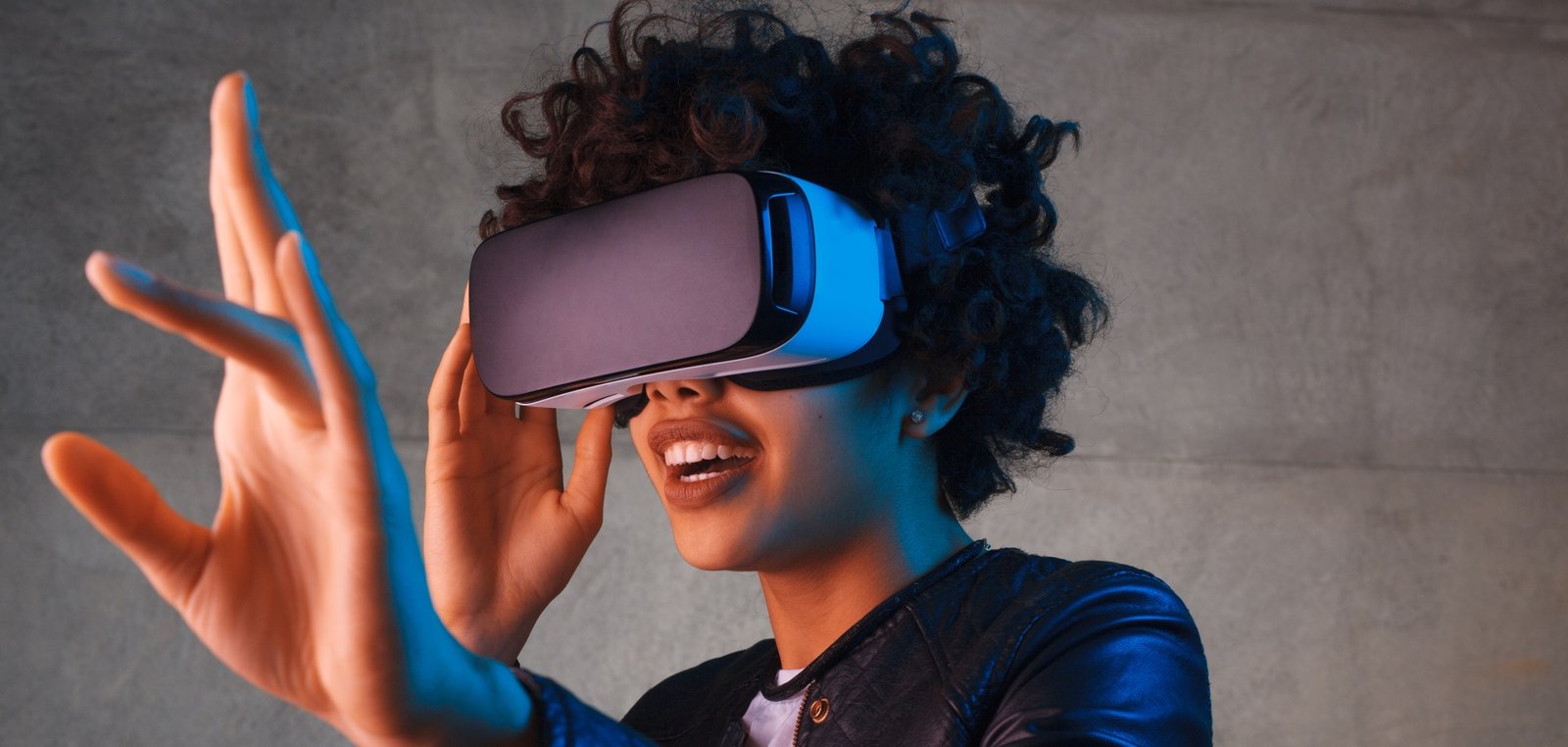
Virtual reality transports the user into a digital environment where they can look around, explore spaces, and, in some projects, interact with objects. When wearing VR headsets, the person stops seeing the physical environment and begins to perceive the virtual setting as if they were inside it.
This sense of presence makes the technology useful for entertainment, training, education, events, architecture, tourism, and product demonstrations. Distant, dangerous, costly, or non-existent situations can be simulated in a controlled manner.
Virtual reality for businesses
Companies can use virtual environments to present factories, real estate, equipment, and processes. Instead of transporting a large machine to a trade show, for example, it is possible to create a virtual demonstration that shows how it works and highlights its main components.
In professional training, individuals can practice procedures before carrying them out in the real world. Simulation allows steps to be repeated, risks to be identified, and guidance to be received during the activity. Virtual reality does not necessarily replace in-person practice, but it can prepare participants and complement training programs.
How can VR be used at events?
At trade fairs, conferences, and brand activations, virtual reality can deliver an experience connected to the brand's universe. Visitors can explore a destination, enter an architectural project, take part in a game, or follow a story in 360 degrees.
To accommodate high foot traffic, session length must be planned carefully. Short experiences facilitate turnover, while longer presentations are suited to scheduled meetings and detailed demonstrations. An external screen can show what the participant is seeing, engaging those waiting in line as well.
360 video or interactive 3D environment?
360 video captures or produces a scene in every direction. The user can look around but typically follows a predefined sequence. It is a compelling option for virtual tours, documentaries, location presentations, and immersive narratives.
An interactive 3D environment, on the other hand, allows movement, choices, and object manipulation. This option is recommended when participants need to perform tasks, explore paths, or make decisions. The choice of format should be driven by the objective of the experience.
What is required for a virtual reality project?
Planning involves scripting, environment modeling, interface design, audio, interactions, and equipment selection. The level of realism must match the intended purpose. A technical training program may require precision in objects and procedures, while a promotional activation may employ a more creative artistic direction.
It is also necessary to account for clear floor space, equipment sanitization, attendant supervision, and participant comfort. Abrupt movements or discrepancies between visual and physical motion can cause discomfort in some individuals. Testing helps to fine-tune speed, duration, and navigation.
How to measure an immersive experience?
Data that can be recorded includes number of participants, usage time, completed steps, choices made, scores, and responses. In training contexts, errors, correct actions, and progression can be analyzed. At events, registrations, shares, and follow-up actions can be tracked.
Data must be interpreted in accordance with the objective. A higher volume of users does not always represent the best outcome; in a commercial presentation, a small number of interactions with prospective buyers can carry significant value.
Frequently asked questions about virtual reality
Are virtual reality and augmented reality the same? No. VR replaces the view of the physical environment with a digital scene. AR adds digital elements to the real world.
Does the experience require an internet connection? Not always. Many applications can run installed directly on the device. Online features and data synchronization may require a connection.
Can the environment be customized? Yes. Scenarios, products, characters, instructions, and interactions can all follow the identity and objectives of the project.
Can it be used for training? Yes. The technology allows procedures and situations to be simulated, provided the content is developed with the involvement of subject-matter experts.
Immersion that delivers a message
The visual impact of virtual reality draws attention, but the true value lies in what the user is able to experience and understand. A well-crafted experience has a clear objective, simple instructions, and appropriate duration. When technology and content work together, the participant does not merely watch — they step inside the story.
Virtual reality for training
A simulation allows situations and procedures to be presented in a controlled environment. Participants can identify equipment, follow a sequence, make decisions, and receive feedback on their actions. This is useful for familiarization and practice, especially when real-world training involves limited equipment availability, travel, or exposure to hazards.
The virtual scenario must be developed with process specialists. The position of controls, the order of steps, and the simulated consequences must align with the pedagogical objective. An impressive visual representation does not compensate for technically incorrect instruction.
It is advisable to define what will be learned and how learning will be assessed. Completion time, decisions, errors, and repetitions can generate indicators, but these must be analyzed alongside human evaluation and guidance. VR can complement demonstrations, classroom instruction, and supervised practice; its suitability depends on the type of activity and the requirements applicable to the sector.
Virtual tours, architecture, and real estate
Environments that are still in the design phase can be presented at perceived scale. Visitors observe circulation, layout, and spatial relationships in a way that differs fundamentally from a floor plan. Materials, furnishings, and lighting can be offered in multiple versions for comparison.
It is important to distinguish a conceptual visualization from a contractual representation. Finishes and dimensions must be correctly identified when they influence decisions. For audiences without headsets, screen-based versions, 360 video, or browser-based walkthroughs can broaden access to the same content.
VR in education and culture
Immersive experiences can bring students closer to places, scales, and phenomena that are difficult to observe. The resource gains value when integrated into an activity: a question before exploration, guidance during use, and discussion afterward.
Since not every class has one device per student, lessons can be organized around stations. While one group uses the headsets, others carry out related tasks. Projecting the participant's view allows the teacher to follow along and engage the entire class.
Comfort, safety, and sanitization
The space must remain free of obstacles, cables, and unexpected foot traffic. People nearby need to be aware that the user cannot see the physical environment. Equipment must be adjusted and sanitized between uses, in accordance with the materials involved and the manufacturer's care guidelines.
Some individuals may experience discomfort, disorientation, or motion sickness. Fast virtual movements, image latency, and long sessions can contribute to these effects. It is advisable to provide an explanation before use, allow for immediate interruption, and offer an alternative for those who do not wish to participate or are unable to do so.
Developers can reduce discomfort by maintaining stable performance, using predictable controls, and avoiding movement that is incompatible with the user's physical motion. Testing with diverse participant profiles helps identify issues that the team — already accustomed to the project — may no longer notice.
Accessibility in immersive experiences
Subtitles, audio options, configurable controls, and activities that can be completed while seated broaden participation. Important information should not rely solely on sound, color, or motion.
When physical interaction is essential, the project can offer alternative modes. It is also helpful to communicate mobility, vision, and hearing requirements in advance, enabling participants to make an informed decision.
Choosing the headset and experience type
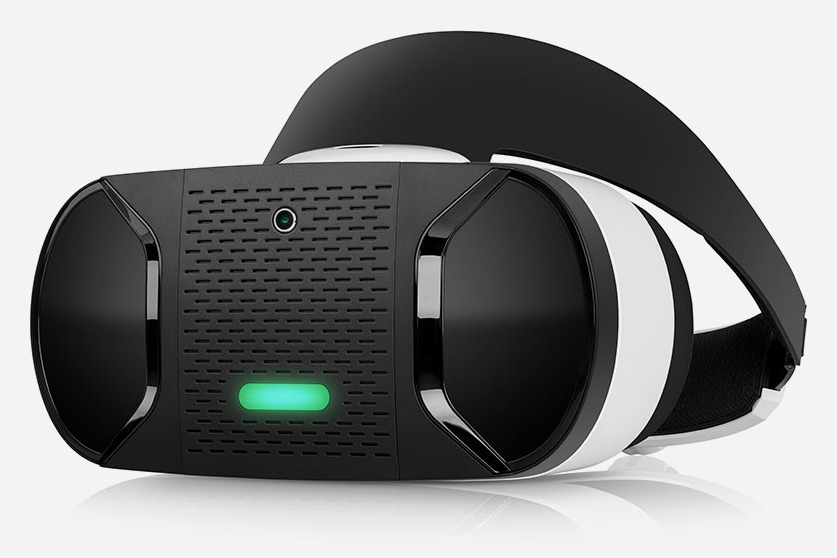
Standalone devices integrate processing and display within the headset itself, making them easier to transport and set up. PC-connected systems may offer greater graphical capability but require additional infrastructure. 360 videos have different technical requirements from interactive applications.
The choice should take into account session duration, visual quality, freedom of movement, number of devices, and operational logistics. Purchasing or renting a headset before defining the content can constrain the project. The safer approach is to start from the required experience and then select a compatible configuration.
Planning VR for trade shows and activations
Throughput determines the number of stations and the duration of each session. Time must be allocated for headset fitting and adjustment, instruction, the experience itself, headset removal, and sanitization. An activity advertised as two minutes can take considerably longer when these steps are overlooked.
Attendants must be familiar with the controls, know how to restart the application, and be able to recognize signs of discomfort. An external screen helps explain the content and transforms individual use into a collective demonstration. Queuing areas should remain outside the movement zone.
Checklist for developing a VR experience
Define the target audience, objective, venue, session duration, and expected number of users. List available equipment, transport requirements, and connectivity needs. Indicate whether 3D models, floor plans, videos, or technical references are available.
Agree on deliverables, testing criteria, languages, accessibility requirements, and update procedures. If performance data will be recorded, determine which data will be collected and how it will be protected. Plan for support during the event or deployment as well.
An experience that continues after the headset comes off
The journey does not need to end when the headset is removed. Participants can receive a summary, access a screen-based version, speak with a specialist, or continue an activity. This next step connects the immersive experience to the objectives of the company or institution.
Virtual reality is most effective when it offers something that conventional media cannot deliver: presence, scale, practice, or exploration. The central question is not simply "how do we put our audience in VR?" but rather "what is worth experiencing from the inside?".