
3D file converter to GLB
A 3D file converter turns your model's format into one the destination accepts. This one converts STL, OBJ, FBX, DAE, PLY, STEP and IGES into GLB — the format that opens on the web and in augmented reality. It is free, asks for no sign-up, and mesh files never even leave your browser.
Offered by Agência Primeira Página — specialists in 3D models and augmented reality.
Once you have the .glb: see the model in augmented realityUpload the file and get a link that opens the model in your space, from your phone. Free, no app to install.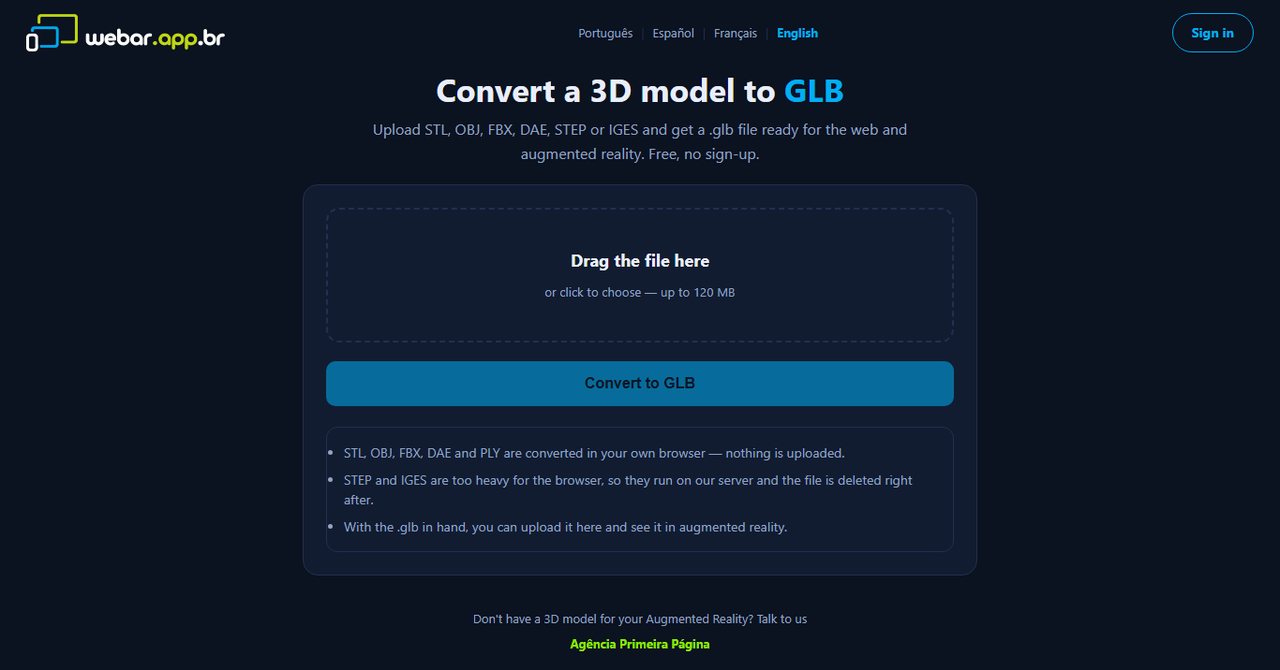
What it converts
Seven input formats, a single output: a .glb ready for the web and for the phone camera.
STL → GLB
The 3D-printing format. Becomes a .glb without leaving your machine, in seconds.
OBJ · DAE · PLY → GLB
Classic mesh formats, accepted by nearly every 3D program. Converted in the browser.
FBX → GLB
The animation and game format. Geometry is converted straight into .glb.
STEP · IGES → GLB
Engineering CAD (SolidWorks, Creo, Inventor, Fusion). Runs on our server because it needs a heavy engine — and comes back optimised.
Comes out light
The output is Draco-compressed. A 45 MB CAD assembly often ends up under 2 MB — which decides whether the model opens on your client's phone.
No upload when possible
Mesh is converted inside the browser: the file is not sent anywhere. Only CAD needs the server — and it is deleted right after.
How to convert, step by step
- Open the converter and drop the file (or click to pick one).
- Click "Convert to GLB". Mesh finishes in seconds; CAD takes a while, because the whole part is rebuilt into triangles.
- The .glb download starts on its own. To check the result, open the file in our 3D viewer for Windows or publish it in augmented reality.
Frequently asked questions
Is the 3D file converter free?
Yes. No sign-up, no watermark and no paid version of the tool. It exists because people looking to convert a 3D model are usually one step away from needing augmented reality — which is what the agency does.
How do I convert STEP to GLB?
Open the converter, drop the .stp or .step file and click Convert to GLB. STEP is a CAD format, too heavy for the browser: it is processed on our server and returned as an optimised .glb, usually in under a minute. A 45 MB assembly typically comes back under 2 MB.
Do you keep my file?
Mesh files (STL, OBJ, FBX, DAE, PLY) are converted inside your browser — they are not sent anywhere. CAD files (STEP, IGES) need the server and are deleted right after conversion. Neither ends up in an account, a catalog or a gallery.
Does the model keep textures and colour?
The conversion preserves geometry. Textures that live in separate files (an OBJ's .mtl and images, for instance) are not uploaded with it, and CAD files almost always arrive with no material at all — the nice colour you see in CAD comes from the viewer, not from the file. If the model has to look properly finished, that is modelling work, and the agency does it.
What is the maximum file size?
120 MB. Beyond that, in-browser conversion stalls modest machines and the server route would start competing with the other services running on it. If your file is bigger, talk to us: it is common in engineering projects and we handle it manually.
What is a GLB file?
GLB is the binary flavour of glTF, the open format that became the standard for 3D on the web. It holds geometry, materials, textures and animations in a single file, opens straight in the browser and is the format Android uses to place objects through the camera. That is why almost anything involving 3D online asks for a .glb.
No 3D model yet? We build it
Converting solves the format — not a file that does not exist, arrives broken, or needs catalog-grade finishing. 3D modelling, optimisation and augmented reality are what we do.