

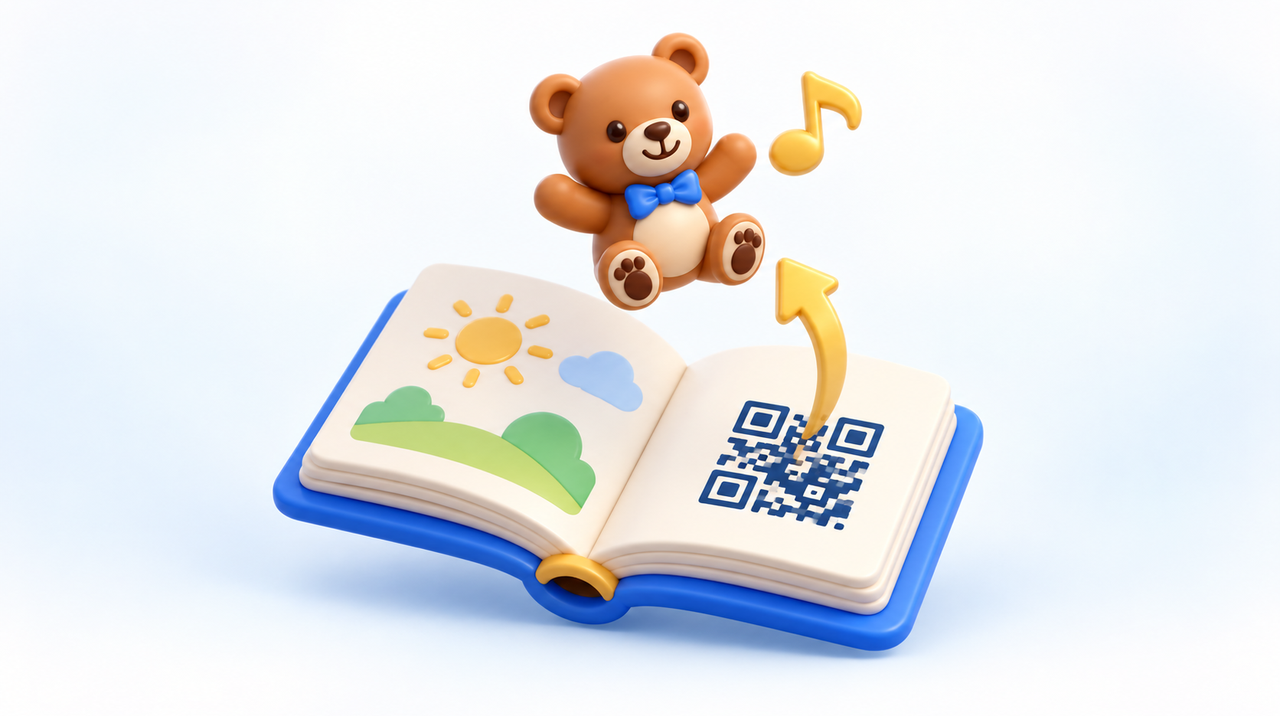
Anyone picturing an augmented reality book always imagines the same scene: the child points the phone at the drawing and the character rises off the page. It's the most beautiful effect, and the hardest to deliver. The path that survives outside the demo table is usually the other one, less glamorous, and the difference between the two isn't taste: it's mechanics.
They're two different triggers, not two finishes
There are two ways to link a printed page to a three-dimensional scene, and they don't compete on quality — they compete on risk.
Image tracking. The camera recognizes the page's own drawing and uses that drawing as an anchor: the character stays locked to the paper, disappears when the page leaves the frame, and returns when it reappears. It's the effect that sells the idea.
Code-based trigger. The page carries a QR code. The child points at it, the phone opens the scene, the device's own augmented reality system looks for the floor or table, and the character appears in that space. The paper gives the cue and steps out of the way.
The first depends on the camera continuously seeing a flat pattern. The second depends on the device understanding the environment once and holding the scene still. That difference decides the entire graphic design.
What we measured, with the same model and the same phone
Between September 17 and 20, 2026, we put the same animated character through both paths, on our augmented reality platform, on the same device, under the same light. The result left no room for doubt:
- Anchored to the image, the scene shakes. It's neither the model nor the phone: it's the tracking recalculating the page's position every frame and missing by a few millimeters each way.
- The same model on the floor stays still. The device maps the surface once and holds the anchor, with the character fixed where it was placed.
- Patches cost more than they fix. Smoothing the movement trades the shake for lag, and the character ends up swimming behind the page. Adding the device's gyroscope made it worse.
Worth noting the other side: in image tracking, the model's size is measured in marker widths. The same drawing printed larger delivers a larger character. Anyone printing in different formats needs to know this before going to the printer.
Why a book is the worst possible case for image tracking
Image recognition starts from a silent assumption: the surface is flat. A book disproves that assumption by the third page.
- The page curves near the spine. The curve continuously changes the distances between the drawing's reference points, and recognition fails precisely on the inner half of the sheet. The thicker the book and the stiffer the spine, the worse it gets.
- Glossy paper reflects light. It's the classic reason a project works at the demo and fails at the customer's home: the ceiling light turns into a white blotch over the pattern.
- Low light in a child's room. Low light forces the camera to amplify the signal, and the noise eats the detail used as a reference.
- The book doesn't stay still. It's in a lap, tilted, being turned. Each of these narrows the range in which recognition works.
- Children's illustration tends to be poor in reference points. Flat color, simple shapes, and symmetry are great for the child and bad for the algorithm, which needs irregular detail. Two pages from the same book, in the same style, can still be mistaken for one another.
What the QR code solves, and what it costs
The code-based trigger takes the paper out of the critical path. What the device needs to see becomes the floor or table, which are large, opaque, and stay still. In exchange, three things change in the design:
- The scene isn't born from the page, it's born from the space. This changes the script: the character greets the child on the bedroom rug instead of emerging from the drawing.
- The surface needs texture. A smooth, glossy floor, a stretched sheet, or a single-color rug make mapping difficult. It's worth stating this right on the book's page.
- It needs a second of patience. Moving the phone slowly for two or three seconds before positioning it prevents almost all later drift.
None of this requires an installed app: the QR code opens a page in the browser, and the augmented reality is the phone's own system. For anyone publishing a book, that's the difference between a print run that works and a print run that depends on the family downloading something.
The sound, which is the part nobody warns you about
3D files don't carry sound. The format most used on the web even has an official audio extension, and practically no viewer plays it. In practice, sound is a separate file, and it's the page displaying the scene that plays it — which also means it needs to stay in sync with the animation's timing, or the character's footstep will drift away from the footstep sound.
There are two consequences for anyone planning a book:
- No browser lets sound start on its own. There will always be a tap on the screen before the audio plays. That belongs in the page's script, it's not a programming detail.
- On iPhone, augmented reality opens in Apple's viewer, outside the page, and the page's audio gets left behind. Apple's format accepts sound embedded in the file, so there is a workaround — it just means maintaining a second version of each scene.
Anyone printing needs to decide this beforehand: is the sound a nice-to-have extra, or part of the experience promised on the cover? The answer changes the budget.
Design rules for the printed page
If the path is the QR code, the page's artwork has work to do:
- Code placed in the outer third of the sheet, away from the spine, and never spanning both pages.
- Generous size. The rule of thumb is one to ten: a three-centimeter code reads comfortably from about thirty centimeters away, which is the distance of someone holding the book in their lap.
- Matte paper in the code's area, with white margin around it and high contrast. Glossy varnish over the QR code is a guaranteed support ticket.
- A line of instructions beside it, written for the child or for whoever is reading with them: point the camera, then show the phone the floor.
- Test with the book in hand, open, tilted, in the house's actual lighting — never with a loose sheet flat on a table. Testing on a table is what approves a design that fails in the living room.
And it's worth testing one page before finalizing the others. If the first one works on the weakest phone in the family, the rest are just repetition.
When it's still worth locking the character to the drawing
Image tracking isn't off the table — it just doesn't survive well inside a browser, in a book, in a child's hands. On a rigid, flat surface, with good light and detail-rich artwork, it works: menus, flyers, signage, packaging standing on a shelf.
And if the project truly requires the character locked to the page, with guaranteed stability and sound, the path is a dedicated app, which uses the system's native tracking. That changes the project's budget and its distribution, since it then depends on installation.
Before choosing, two articles help: what to do when augmented reality won't open on your audience's basic phone, and where augmented reality is already delivering results today.
How we work
At Augmented Reality, the first question is never which effect is prettier — it's which one keeps working in the home of whoever bought it. That's why we test the scene on a real device before any printed promise — paper doesn't get updates.
Frequently asked questions
Do I need an app for a book with augmented reality?
No, not if the trigger is a QR code. The code opens a page in the browser, and the augmented reality used is the phone's own system feature. An app only becomes necessary when the project requires the character to stay locked to the page artwork with guaranteed stability and sound.
Why does the scene shake when I point the camera at the illustration?
Because image tracking recalculates the page's position every frame and misses by a few millimeters each way. We tested the same model on the same device both ways: locked to the image it shakes, resting on the floor it stays put. Smoothing the movement just trades the shake for lag.
What's the ideal QR code size for a book page?
The rule of thumb is a one-to-ten ratio between size and reading distance: a code about three centimeters across reads comfortably from roughly thirty centimeters away, which is about how far the book sits from someone reading it in their lap. It should sit in the outer third of the page, on matte paper, with a white margin around it.
Can the 3D model have audio built into the file?
In practice, no. The most widely used web format has an official audio extension that almost no viewer actually plays, so the sound ends up as a separate file, triggered by the page, and it has to stay in sync with the animation. Apple's format is the exception, since it does support embedded audio.
Does the sound work the same way on Android and iPhone?
No. On Android, the augmented reality happens right inside the page, so the audio keeps playing. On iPhone, the scene opens in Apple's own viewer, outside the page, and the page's audio gets left behind. The workaround is to keep a second version of the file in Apple's format, with the audio embedded.
Why does the effect work in the demo but fail at the client's home?
It's almost always three factors stacking up: glossy paper reflecting ceiling light, a dimly lit room, and the page curving near the spine, which distorts the pattern the recognition relies on as a reference. Testing with the book open in hand, rather than a loose sheet flat on a table, catches this before it goes to print.