
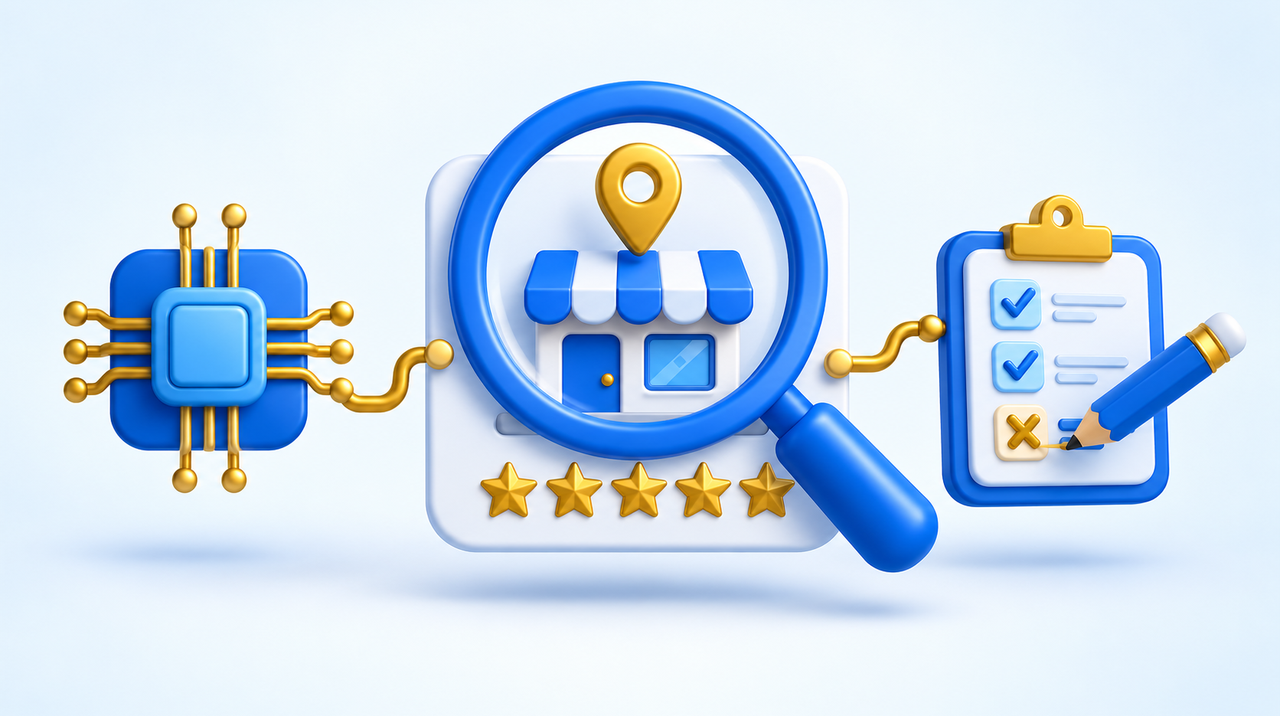
Before calling, messaging, or requesting a quote, customers now ask artificial intelligence: "is this company good?", "how much do they charge?", "where are they located?". The answer pulls together everything that exists about your business online, including things you forgot were even out there. We ran the test on our own agency. Below is what came up, where the AI pulls this information from, and what to do when it gets it wrong.
The invisible résumé now applies to companies too
Economist Ricardo Amorim coined the term "invisible résumé" for the digital trail a person leaves behind: old posts, photos, comments. It used to take detective work to piece all that together; now an AI does it in minutes, and companies already use that profile to decide who to hire.
The same thing happens with businesses, except now it's the customer doing the research. The numbers show this habit caught on fast:
- 45% of American consumers already use ChatGPT or another AI to ask for local business recommendations. A year earlier it was 6%. AI has become the third most-used source, behind only Google and Facebook (BrightLocal, 2026 survey of 1,002 consumers).
- 40% trust AI recommendations, versus 32% who don't.
- In Brazil, 81.54% of consumers check reviews before buying, and 72.29% would stop buying from a company that doesn't care about customer feedback (Reclame Aqui, February 2025 survey of roughly 2,300 people).
In other words: customers already researched before buying. The difference is that now they get the research handed to them ready-made, summarized in a few lines, and often never even open your website.
We tested our own agency
On October 8, 2026, we opened ChatGPT in a temporary chat with no history and asked: "What do you know about Agência Primeira Página? Where is it located, what does it do, how much does it charge, and how do customers rate it?". Within seconds it searched the web and answered. Here's what we learned from the response:
- The services came through correctly. The list of areas (artificial intelligence, websites, SEO, augmented reality, 3D, events) came from our site and was accurate. What's written clearly on the site comes through clearly in the answer.
- The address came from somewhere else. The AI showed a physical address and phone number that aren't on our site. They came from a business directory listing it found online. It even noted that the site states fully online service, but a customer skimming the answer ends up with that address stuck in their head. A directory listing nobody has looked at in years ends up shaping the picture.
- With no public pricing, there was no answer on price. It said it couldn't find a price list and that "it wouldn't be accurate to assign prices." The AI didn't make anything up, which is good. But whoever asked was left with no reference point to compare against a competitor.
- The rating came with a caveat. It found a 4.0 rating from 8 reviews and noted that the sample is too small to draw a conclusion. A handful of reviews won't sink a company, but it won't convince anyone either.
- What we said about ourselves was treated as a self-reported claim. The client list and the numbers on the site were flagged as "stated by the agency itself, not audited." The AI separates what you say about yourself from what others say about you.
- Its next step was Reclame Aqui and the company registry. At the end, it offered to "dig deeper" into those two places. That's exactly where a skeptical customer goes next.
None of this information was false. The real problem is different: the answer mixes sources from different time periods, and you're not the one deciding what goes in.
Where the AI gets what it says about you
AI tools that search the web build their answer from pages they find on the spot. The most common sources, in the case of a small business:
- Your website. This is the source you fully control. OpenAI explains it uses its own crawler, OAI-SearchBot, to surface sites in ChatGPT search, and that a site blocking this crawler won't appear in answers.
- Your Google Business Profile. Address, hours, phone, photos, and reviews. Google already uses Gemini AI in Maps to summarize reviews and answer questions about a place, like operating hours or the vibe of the venue (feature announced in October 2024 in the US).
- Directories and business listings. Neighborhood guides, catalogs, company registry sites, abandoned social media profiles. Many were filled out once and never updated again.
- Complaints and reviews on third-party sites. Reclame Aqui, marketplace comments, booking site reviews.
- News and mentions. An article, a customer's post, an old interview.
Each source carries different weight for each tool, and companies don't disclose the formula. What can be said for certain is simple: if the right information isn't anywhere, the AI uses whatever wrong information it finds.
Why it gets things wrong
The AI doesn't "know" anything about your business: it reads, summarizes, and sometimes gets confused. A study by Columbia University's Tow Center, published in March 2025, tested eight AI search tools across 1,600 queries. They cited the wrong source more than 60% of the time. The best one was wrong 37% of the time; the worst, 94%. The test used news articles, not businesses, but the mechanism is the same.
The most common errors about small businesses come from three situations:
- Old information nobody removed: an outdated address, pre-pandemic hours, a service you no longer offer.
- Sources that contradict each other: the website says one thing, Google says another, the directory listing says a third. The AI picks one, or shows all of them.
- Missing information: without a price, service area, or turnaround time, the AI answers "I couldn't find that" or fills the gap with data about similar businesses.
Run the test in 15 minutes
Open ChatGPT in a temporary chat (so history doesn't bias it) and ask the questions your customer would ask. Repeat with Gemini or Google's AI Mode, if you have access:
- "What do you know about [company name], from [city]?"
- "Is [company name] trustworthy? Any complaints?"
- "How much does [your main service] cost at [company name]?"
- "What are the hours and address of [company name]?"
- "What are the best options for [your industry] in [your neighborhood or city]?"
Note three things for each answer: what's correct, what's wrong, and where it came from (most tools show the links). The last question is the most important: it shows whether you show up when the customer doesn't know your name yet. If you don't show up, the post on how to get AI tools to recommend your business explains the path forward.
How to fix what's wrong
ChatGPT doesn't have a dashboard where a company can edit what it says about them. The fix is indirect: you clean up the sources, and the answer improves the next time the AI searches again. The order that works best:
- Your Google Business Profile. Correct address, hours, phone, service area, and category. If you only work online or travel to the customer, Google lets you hide the address. The step-by-step is in the post on how to rank at the top of Google Maps.
- An "about" page built on facts, not adjectives. What you do, for whom, where you serve, since when, how to hire you. Write sentences the AI can repeat, like "we serve Campinas and the surrounding area, in person and by video," instead of "we're a leader in quality."
- A price reference. You don't need a full price list. "Starting at R$300" or "packages from R$1,500 to R$4,000, depending on size" already gives the AI something to answer with and gives the customer a baseline for comparison.
- Forgotten directory listings. Search the company name on Google and open the results on the first few pages. Correct or request removal of anything outdated, starting with whatever the AI cited in your test.
- Reviews and complaints. Ask satisfied customers for reviews and respond to all of them, including negative ones. On Reclame Aqui, a complaint that's answered and resolved carries different weight than one left ignored.
- Don't block AI search crawlers. Ask whoever manages your site to check the robots.txt file. Blocking ChatGPT's crawler removes your site from its answers.
After fixing things, redo the test in two to four weeks. These tools don't update the same day, and each one works on its own schedule.
What if AI says bad things about your business?
Sometimes the problem isn’t a wrong address but a sentence like “the company has several complaints about delays” or “some customers report poor service.” Before reacting, open the links the tool showed, read the original source, and figure out which of these four cases you are in.
- The criticism is true and recent. There is no shortcut: fix it with the customer and make that public. On complaint sites and in reviews, a complaint that was answered and resolved shows that the business responds. On Google, reply to the negative review with facts and what was done, without arguing.
- The criticism is true but old. A problem from three years ago is still on complaint sites and in reviews. You can’t delete it, but you can show the present: ask recent customers for reviews, publish on your site what has changed (turnaround times, team, return policy), and keep your replies up to date. When the AI searches again, it will find more recent material than old.
- The AI confused you with another business. Similar name, same city, different registration number. It happens more often than you’d think. Put your full name, city, registration number, and what you do on your website and Google Business Profile so the two can be told apart. If the mix-up comes from a directory that blends the data, ask whoever runs it to correct it.
- The information is false or defamatory. Start by asking the site that published it to take it down, through its reporting or contact channel. On Google, reviews that break the rules, such as fake reviews, reviews from competitors, and offensive ones, can be reported from the profile itself. If that doesn’t work, talk to a lawyer: the rules for making a platform remove content vary from country to country.
In none of these four cases does arguing with the AI help. Rating buttons, like the thumbs down in ChatGPT and the feedback link under Google’s answer, help the company behind the tool improve it, but they don’t fix the answer the next customer will see. What changes the answer is changing what exists about you online.
A simple routine helps: repeat the test once a month with the same questions and keep the answers, with dates, in a spreadsheet. That way you notice when a new criticism appears instead of finding out from the customer who walked away.
What won't help
- Asking the AI to "remember" the correction. What you teach it in one conversation only applies to that conversation. The next customer gets an answer built fresh from the web, not from your request.
- Buying or faking reviews. Google's rules prohibit fake reviews and can remove content or restrict a profile for violating them. On top of that, a sudden flood of five-star reviews in a few days draws more suspicion than it helps.
- Filling your site with generic text. Volume doesn't replace information. A short page with address, price, and turnaround time is worth more than ten paragraphs about mission and values.
What this means for your business
The question "is this company good?" has always existed. What's changed is who answers it: instead of the customer opening several sites and drawing their own conclusions, an AI reads everything and delivers a summary. That summary is your invisible résumé, and it's being read right now, by people you'll never know searched for you.
The good news is that almost everything that goes into that summary is up to you: a clear website, an up-to-date Google profile, clean directory listings, answered reviews. If you'd rather have someone else handle the audit and the fixes, our SEO and AI-answer optimization team runs this assessment, shows you what each AI says about your business, and fixes the sources. And if you want to understand why being cited matters more than being clicked, read the post on Google paying sites used in AI answers.
Sources
- Ricardo Amorim, "Na Mira" newsletter, 53rd edition (09/30/2026), where we first saw the invisible résumé concept.
- BrightLocal, Local Consumer Review Survey 2026.
- Reclame Aqui, consumer survey from February 19-20, 2025, via Central do Varejo.
- Tow Center for Digital Journalism (Columbia), study on AI search tools, via Nieman Lab (March 2025).
- OpenAI, crawler documentation (OAI-SearchBot, GPTBot, and ChatGPT-User).
- Google, announcement of Gemini features in Maps (10/31/2024).
- Agency test on ChatGPT, October 8, 2026.
Frequently asked questions
How can I find out what ChatGPT says about my company?
Start a temporary chat in ChatGPT and ask what it knows about your company, whether it's trustworthy, what it charges, and where it's located. Try the same question in Gemini or Google's AI Mode. Note what's accurate, what's wrong, and where each piece of information came from—most tools show the links they used.
Can I ask ChatGPT to correct wrong information about my business?
Not directly. ChatGPT doesn't have a dashboard where a business can edit what it says, and a correction made in one conversation won't carry over to other users. The real fix is to correct the sources: your website, your Google Business Profile, old directory listings, and reviews. The answer improves once the AI searches again.
Where does AI get its information about a company?
From whatever pages it finds online at the time of the search: the company's website, its Google Business Profile, directories and business listings, complaint and review sites, social media, and news coverage. Each tool weighs these sources differently, and none of the companies behind them publish the exact formula.
How long does it take for AI to show the corrected information?
There's no fixed timeline. Each tool crawls and updates at its own pace. It's worth running the same test again two to four weeks after fixing your website, your Google profile, and your directory listings, then repeating it about once a month.
An AI mentioned my business negatively. How do I turn it around?
Open the sources the AI showed and check whether the criticism is true and recent, true but old, a mix-up with another business, or false information. Real criticism is fixed with the customer and a public reply on complaint sites and Google. Old criticism loses weight next to recent reviews and content. A mix-up is undone by making your name, city, and registration number clear on your site and on Google. False information is removed by asking the site that published it and, if needed, through the courts.
How can I find out what AI tools are saying about my business?
Ask the same questions in more than one tool, such as ChatGPT, Gemini, Google’s AI Mode, Copilot, and Perplexity, always in a new or temporary chat. Ask what they know about the business, whether it is reliable, whether it has complaints, what it charges, and where it is. Write down the answers and source links, and repeat once a month to compare.