
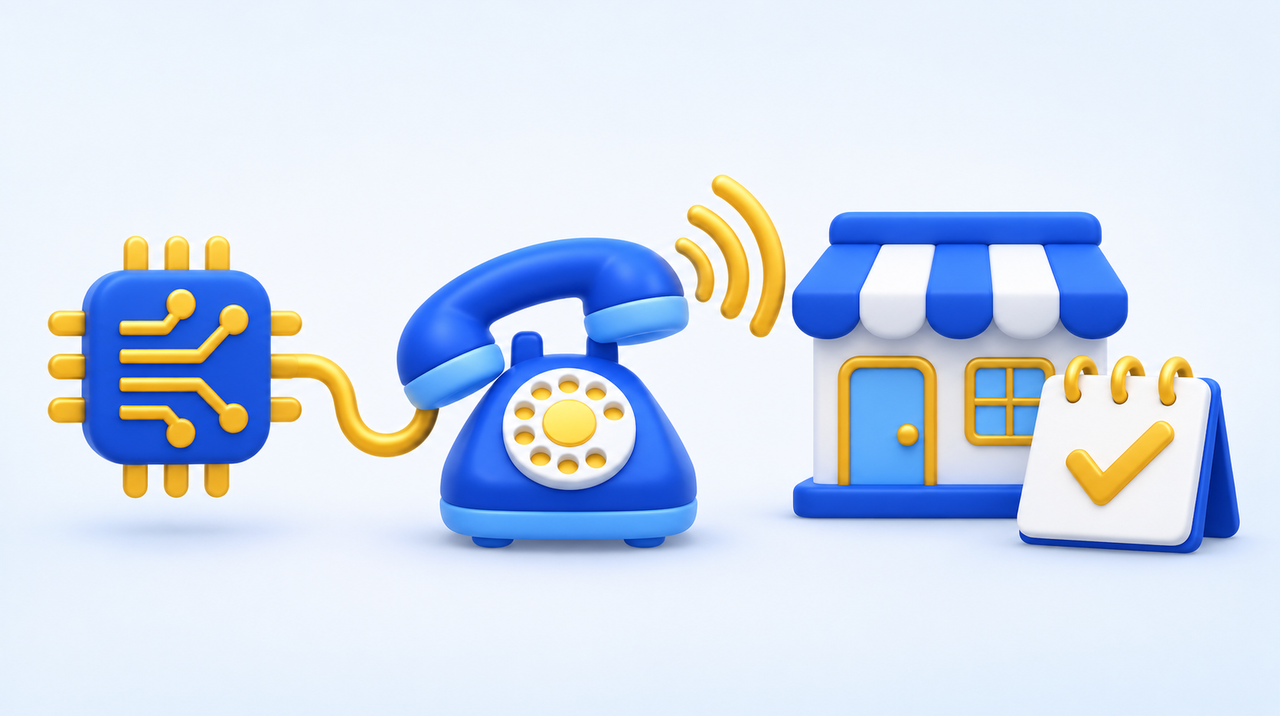
In November 2026, Google added a feature to the Gemini app that phones businesses on the customer's behalf. The person asks "book a car service for Friday morning" or "find out which pet shop near me has a grooming slot on Saturday," and the artificial intelligence calls the businesses, talks to whoever answers, negotiates the time slot and brings back the answer. For the owner of a small business, this has a practical meaning: soon, some of the calls your counter receives will come not from a person, but from an AI. This post explains how it works, what Google has already documented about these calls, and what is worth adjusting before they start arriving frequently.
What Google launched
The technology is called Google Duplex. It was introduced in 2018, in a demonstration where a synthetic voice booked an appointment at a hair salon, and it has since worked behind the scenes in several Google products. According to the company's research blog, published on November 20, 2026, business information collected through Duplex calls, such as opening hours, has already been displayed in Search and Maps more than a trillion times.
What's new is that this capability is now in Gemini Tasks, a mode of the app in which the user hands over a task and the AI carries it out on its own. In the November 17 announcement, the vice president responsible for Gemini says they asked the assistant to call the two nearest car dealerships and get a service appointment. Gemini called both at the same time, waited on hold, found out which one accepted appointments and which one only served customers on a first-come basis, and put the appointment on their calendar in under five minutes.
The launch began in the United States, Japan, South Korea, Canada, Australia and India, with some features available only in the United States at first. Brazil, Spain and France are not on the initial list. But Google's Business Profile help page already describes these calls for businesses in general, and Google's track record is to expand features like this country by country. Those who prepare ahead will handle them better when they arrive.
What kind of call your business will receive
Google's help page for businesses lists the reasons the AI may phone on a customer's behalf:
- Booking an appointment. The customer states the service, the preferred day and the number of people, and Google calls to schedule. It applies to hair salons, repair shops, veterinary clinics, restaurants and any service by appointment.
- Asking about the wait time at a restaurant.
- Confirming price and availability of a product or service. If the store provides it, the customer receives the answer by email or text message, with the quote.
Beyond these, Google continues to call on its own to check opening hours and stock of highly sought-after products. What the business answers can become public information on its Maps profile, such as late-afternoon promotions, outdoor tables, whether pets are allowed or where to park.
How the call works for the person answering
Google describes a few rules that apply to these calls:
- The AI introduces itself. Every call starts by announcing that it is an automated system calling from Google. Nobody has to guess.
- It requires nothing from the business. There is no program to install and no new system. The call comes in on the phone that already rings at the counter, and whoever answers talks as they would with any customer.
- The conversation is recorded for quality control.
- Google avoids calling late at night or very early and limits the number of calls asking for the same information.
- The AI does not share the customer's payment details without their authorization, and Google states that it never asks the business for payment, card numbers or passwords.
That last point is the most important for security. If someone calls claiming to be from Google and asks for money to keep your business on Maps, it's a scam. Google itself repeats this on the help page.
Answer or opt out?
Google lets the business choose. There are two ways to opt out:
- During the call itself, by saying something like "please stop calling my business" or "remove my number from the list."
- In the Google Business Profile, which must be verified: under More, Business Profile settings, Advanced settings, in the section on automated Google calls and messages. There are three separate switches there: customer bookings and orders, keeping the profile up to date, and posting to the profile on your behalf.
Our recommendation, for most local businesses, is to keep customer calls turned on. Each one is a customer who has already decided to look for you and asked an AI to lock in the appointment. Opting out is like letting the phone ring without answering. The exceptions are businesses that don't work by appointment or give quotes over the phone, or that already receive so many calls that the team can't keep up. In those cases, it makes sense to turn off the bookings switch and leave the keep-profile-updated one on. Even after opting out, Google warns that it may still call occasionally, with a person, to confirm profile details.
Five adjustments to make now
- Review your Google Business Profile. Hours, phone number, address, services and price range. The AI chooses whom to call based on this data, and wrong information makes the customer give up before the call even happens. We have already explained the step by step in our post on how to rank at the top of Google Maps.
- Put stock and prices where Google reads them. The help page says that if the store already provides its products in Google Merchant Center, Google uses that information and doesn't call to ask about stock. For those who sell physical products, this saves calls and already delivers the answer to the customer.
- Offer online booking. If the business uses a scheduling platform integrated with Google, the booking can be made directly through the partner, with no phone call. For salons, clinics, barbershops and repair shops, it's the cleanest path.
- Agree with your team on how to answer. The AI speaks at the pace of a normal conversation, understands interruptions and accepts a counteroffer on the time slot. Whoever answers should respond as they would to an ordinary customer: confirm the service, the day, the time and the name for the booking. It's worth keeping near the phone a sheet listing the services, their durations and the free slots for the week.
- Answer the phone. It sounds obvious, but it's where most businesses lose out. If nobody answers, the AI tries the next one on the list, and it can call several at the same time, as in the dealership example. The first one to confirm gets the customer.
What if your business already uses AI to answer?
This is the scenario that will become common: the customer's AI talking to the business's AI. A well-configured AI voice agent answers these calls at any hour, checks the real calendar and confirms the appointment with no waiting. Two precautions make a difference. First, your automated attendant needs access to the real calendar, otherwise it will confirm a time slot that doesn't exist. Second, it needs to know how to transfer the call to a person when the request goes off script, such as a non-standard quote or a complaint.
The same reasoning applies to messages. Google states that Gemini also talks to the user by text message and email, and the trend is for these tasks to reach other channels. An AI chatbot that responds with correct information and books appointments on its own is ready both for the customer and for the assistant that speaks on their behalf.
What this changes in local marketing
Until now, the competition was about showing up when a person searches on Google and chooses whom to click. With Gemini Tasks, the AI chooses whom to call, based on what it finds about each business: reviews, hours, whether it accepts bookings, listed price, distance. The customer doesn't even see the list. They just receive the confirmation.
This raises the weight of three things that already mattered: complete and correct information in the Business Profile, a website with services and prices clearly described, so the AI understands what you offer, and a good reputation in reviews. It's the same movement we discussed about assistants that buy on the customer's behalf, in the post on autonomous agents in commerce: more and more, the first contact with your business will be made by a machine, and it decides based on what is written.
If your business wants to be ready to be found by Google, by Maps and by the AIs that search on the customer's behalf, our SEO agency takes care of the Business Profile, the website and the content these tools read.
Sources
- Google Research, "How Google Duplex evolved to also call businesses for you in Gemini," November 20, 2026 (research.google).
- Google, "Put Gemini to work for you," Gemini Tasks announcement, November 17, 2026 (blog.google).
- Google Business Profile Help, page on automated Google calls and messages to your business (support.google.com/business).
Frequently asked questions
Can Google call my business using AI?
Yes. Google Duplex makes automated calls to businesses to confirm opening hours and, on behalf of customers, to book appointments, ask about wait times at restaurants, and confirm prices and availability. Since November 2026, this feature is also part of Tasks in the Gemini app.
How do I know the call is from Google’s AI?
Every call begins by saying that it’s an automated system calling from Google. Google also states that it never asks for payment, card numbers, or passwords. If someone asks for money to keep your business listed on Google, it’s a scam.
How do I get Google to stop calling?
You can say “please stop calling my business” during the call itself, or turn off automated calls in your verified Business Profile under More, Business Profile settings, Advanced settings. There are separate toggles for customer requests, profile updates, and posts made on your behalf.
Is it worth opting out of the automated calls?
For most local businesses, no. Every call made on a customer’s behalf is from someone who has already decided to look for your business. Opting out makes sense for businesses that don’t take appointments or give quotes over the phone.
Does the feature already work in Brazil?
Gemini Tasks launched in November 2026 in the United States, Japan, South Korea, Canada, Australia, and India. Brazil isn’t on the initial list, but it’s worth getting your Business Profile and customer service ready before the rollout expands.
How can I keep Google from needing to call?
Keep your Business Profile complete, list your products and stock in Google Merchant Center, and use an online booking platform that integrates with Google. That way, the AI finds the answer or makes the reservation without picking up the phone.