
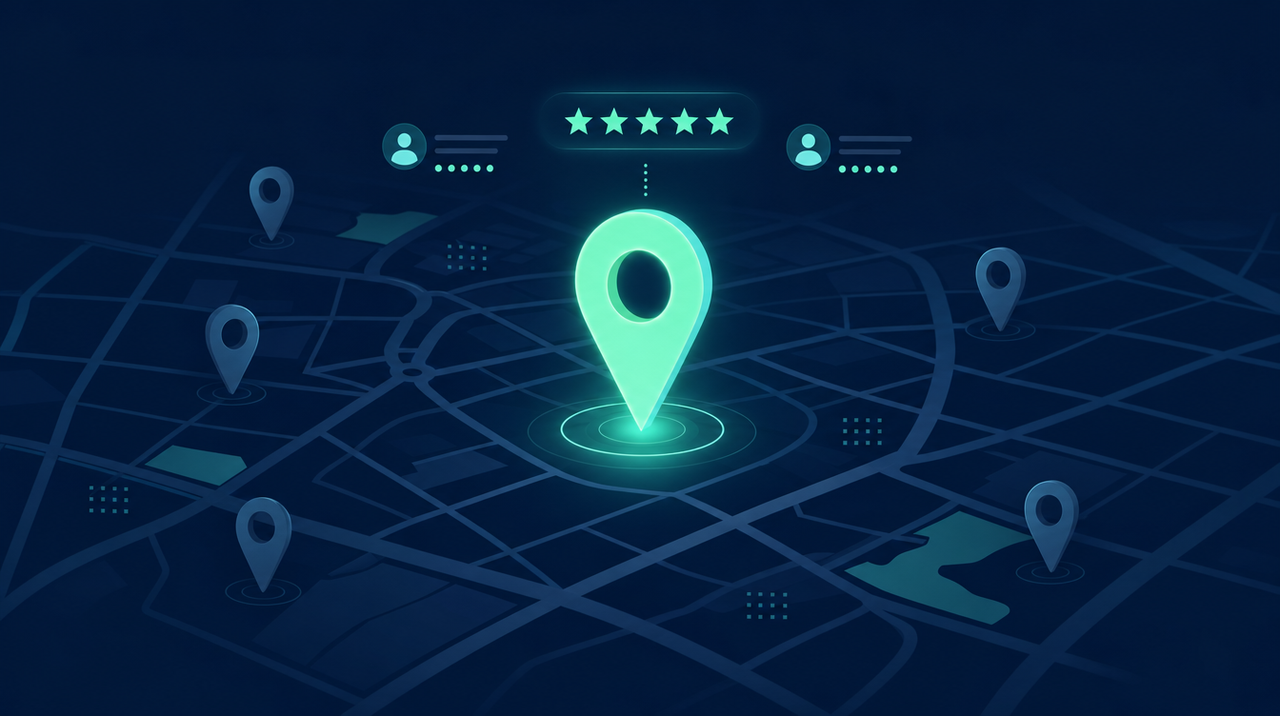
When someone picks up their phone and searches "clinic near me", "restaurant nearby" or "real estate agency in my city", whoever appears in the first map results almost always wins the customer. And there's a strong reason: 2026 studies show that 76% of people who make a local search visit a business within 24 hours. That's near-immediate buying intent. The good news is that the tool that decides this — your Google Business Profile — is free. This post shows how to use it to appear at the top of Google Maps.
Why the Google profile decides so much
About 46% of all Google searches have local intent — someone looking for something nearby. And the "map pack" (those three pinned results at the top) captures the attention: businesses in it get about 126% more traffic and 93% more calls, clicks and direction requests than those from position 4 down. The decisive detail: most of the signals that define this ranking come directly from your Google Business Profile (formerly Google My Business). Ignoring it means handing the customer to your competitor.
The three factors Google uses
Google's local ranking rests on three pillars. Relevance: how well your profile and website match what the person searched. Distance: how close you are to the searcher. Prominence: how well-known and trusted your business is — reviews, web presence, consistent information. You don't control distance, but you control the other two — and that's where almost all the result lies.
Step by step to reach the top
None of this requires ad budget; it requires care and consistency.
- Claim and complete 100% of the profile. Complete profiles get about 7 times more clicks and 70% more visits than incomplete ones. Fill in everything: hours, services, service area, website, description, payment methods.
- Choose the right primary category. This is the number-one relevance factor. "Dental clinic" is different from "Dentist"; pick the one that describes exactly what you do and how the customer searches.
- Keep NAP identical everywhere. Name, address and phone must be exactly the same on the profile, the website and any listing. Every variation weakens the trust signal.
- Add good photos — and refresh them. Businesses with photos get about 42% more direction requests and 35% more website clicks. Show the storefront, the space, the team, the products.
- Ask for and reply to reviews. Reviews are one of the biggest ranking factors — and what weighs most in the decision: 87% of people read reviews of local businesses and 68% won't use a business rated below 4 stars. Ask every satisfied customer for a review and reply to all of them, including negative ones, politely.
- Treat the profile as an active channel. Post news, offers and photos regularly. Google favors living profiles, not static listings.
- Connect a good website. The profile points to your site, and a fast site with the right words and consistent information reinforces relevance — and also gets you showing up in searches beyond the map.
Local and AI move together
Note that this work doesn't only serve Google Maps. The same foundation — consistent information, good reviews, a trustworthy website — is what artificial intelligences use to decide which business to recommend when someone asks ChatGPT "what's the best [service] near me?". Taking care of your local profile means preparing your business for traditional search and for the age of AI at the same time.
What this means for your business
For a clinic, a real estate agency, a restaurant or any business that serves people in the area, the Google profile is often the best-value source of customers there is: it's free, buying intent is very high, and most competitors still keep it half-done. While they leave their profile abandoned, whoever completes it, collects reviews and keeps everything updated takes the top spot — and is the name that shows up when the customer, phone in hand, decides where to go right now.
Market figures cited were verified against 2026 local-SEO studies (reference: BrightLocal) and Google Business Profile's official documentation.